Battery Health App Accuracy: What the Percentage Can’t Tell You
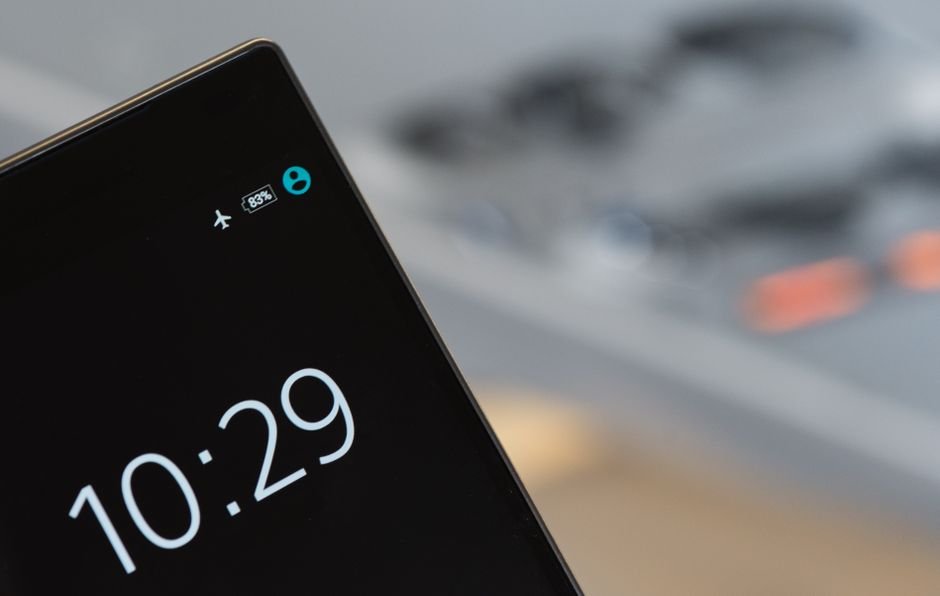
Battery health app accuracy is limited by design: the percentage on your phone or laptop is an estimate built from charge-cycle counts and voltage behavior, not a direct measurement of what’s happening inside the cells. It’s useful for spotting a trend over weeks or months. It’s not built for pinpointing an exact number on any given day.
What the app is measuring
Phone and laptop operating systems calculate their battery health estimate by comparing a battery’s current maximum charge capacity to its original, factory-rated capacity, then expressing the difference as a percentage. The figure comes from tracking charge and discharge cycles over time along with voltage behavior, not from a lab-grade capacity test performed on the hardware. Apple’s own battery health documentation describes this as an estimate that can shift by a few percentage points from one reading to the next, especially right after a full charge or a deep discharge.
That’s why the number can jump around: a battery reading 91% one week and 88% the next hasn’t necessarily degraded that fast. The measurement carries its own margin of error, and temperature, recent usage, and how full the battery was when it last recalculated its estimate all shift the reading in one direction or the other.
What it can’t tell you
- Internal resistance, which affects how much power a battery can deliver under load even when reported capacity looks fine, the measurement covered in what a battery’s internal resistance tells you
- Physical condition — swelling, corrosion, or a damaged cell won’t necessarily show up as a lower percentage until the problem is advanced
- Whether a single cell in a multi-cell pack, as in most laptops, is failing while the others compensate for it and keep the reported total looking normal
- Precise remaining lifespan — health percentage correlates loosely with cycles remaining, but two batteries at the same percentage can have different real-world life left depending on how each was charged
Use it as a trend line, not a diagnosis
Check the percentage every few weeks rather than every day, and watch the direction rather than the exact number. A steady decline over months is meaningful. A single reading, especially right after unplugging from a charger, tells you very little on its own. If a device starts shutting down unexpectedly despite showing decent battery health, or gets warm while sitting idle, treat that as a stronger signal than the percentage alone, the same principle behind checking a car battery’s health without relying on a single number.
Android and iOS calculate the estimate slightly differently, and neither publishes the exact formula, so a phone reading 85% and a laptop reading 85% aren’t necessarily at the same real-world point in their lifespan. Treat the number as a same-device comparison over time, not a cross-device one. If a warranty or trade-in program relies on that percentage as a cutoff, ask whether they use the on-device estimate or an in-store diagnostic test, since the two can disagree by several points and that gap can matter for the payout.