Wireless Charging Battery Health: Common Mistakes That Add Heat
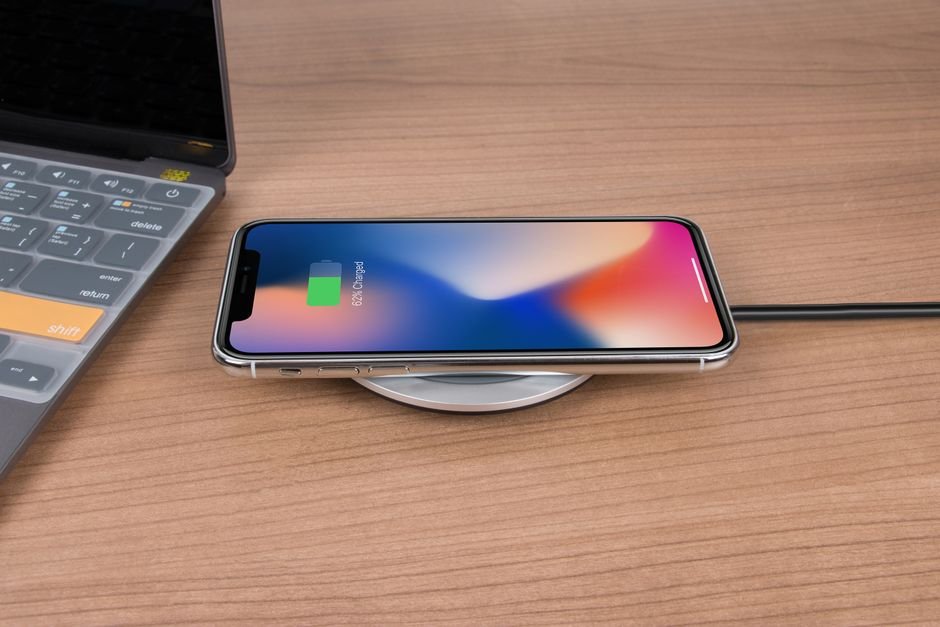
Does a wireless pad wear out your phone battery faster than a cable? A little, mostly because of heat, and most of that extra heat comes from habits you can change. Wireless charging battery health problems are rarely about the technology itself; they’re about how the phone sits on the pad and what surrounds it.
Inductive charging moves power through a magnetic field between a coil in the pad and a coil in the phone. Some energy is lost along the way, and lost energy turns into warmth right next to the battery. Heat is the main thing that speeds up lithium-ion aging, so the goal is simply to keep the lost energy small.
Charging through a thick or metal-backed case
Distance between the coils is the enemy. A bulky rugged case, a wallet case with cards, or a metal ring or plate on the back all increase losses, and metal can heat up on its own. If the phone feels warm after a normal top-up, take the case off and compare.
Letting the phone sit off-center
A slightly misaligned phone still charges, just less efficiently, and the pad works harder to push power across the gap. Magnetic alignment in newer versions of the Qi standard from the Wireless Power Consortium exists largely to fix this. On a flat pad without magnets, it’s worth a glance to check the phone landed where the coil is.
Charging in a warm spot
A pad on a sunny windowsill, under a pillow, or on a car dashboard in summer starts from a higher temperature before charging adds any. Phones protect themselves by slowing charging when hot, so you get both a slower charge and more time spent warm. A cool, open surface is the easy fix.
Gaming or streaming while it charges
Running a heavy app on the pad stacks processor heat on top of charging heat. The same is true on a cable, but on a pad the phone is lying flat against a surface that’s also warm, with less airflow. If you need to use the phone hard, a cable is the better choice for that session.
Switching off the phone’s charging protections
Most recent phones include a setting that learns your routine and holds the battery below full overnight, finishing just before you usually wake up. Some people disable it because the percentage looks stuck. Leave it on. Time spent at full charge, especially warm, is one of the costliest conditions for a lithium-ion cell. Built-in health readouts are a rough guide to whether any of this is paying off, though battery health percentages have real limits.
Assuming a faster pad is better for wireless charging battery health
Higher-wattage pads move more power, and more power across an imperfect link means more heat. For overnight charging, speed buys you nothing. The trade-off is much the same one covered in our look at fast charging and battery lifespan: fine when you need it, unnecessary as a default.
None of these mistakes will ruin a phone in a month. Over two or three years, though, a battery that has spent its nights warm will usually hold noticeably less than one that stayed cool. If your phone is hot when you pick it up in the morning, that’s the signal to change the setup.